
Interactive Interface Preview
Browses Leelaa Reader interface screenshots by usage scenario and enlarges them for closer inspection.
Below is a preview of the core interfaces of Leelaa Reader.
Screenshots

Activation
Activate server with an activation code on first use.
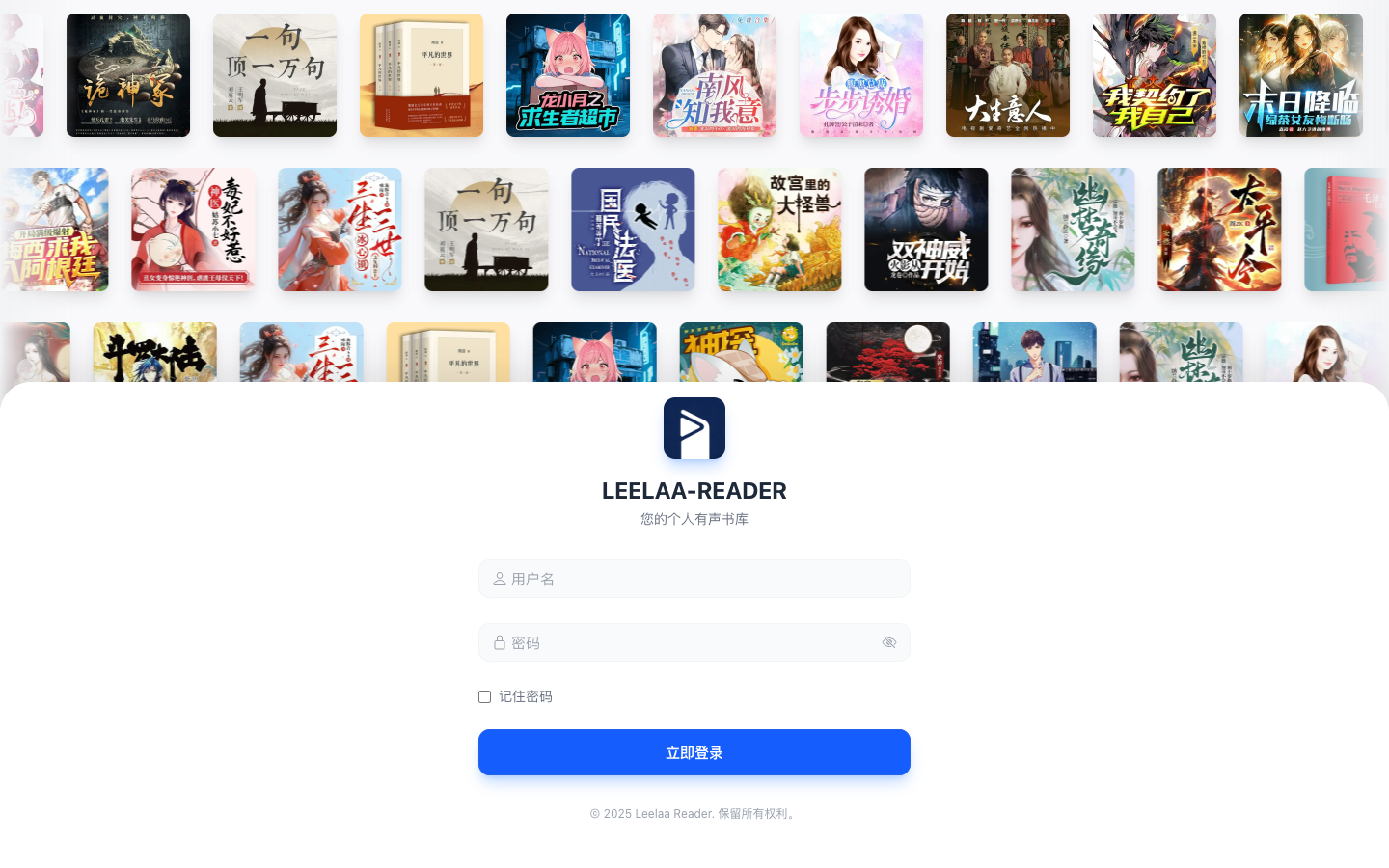
User Login
Supports independent multi-user account management.
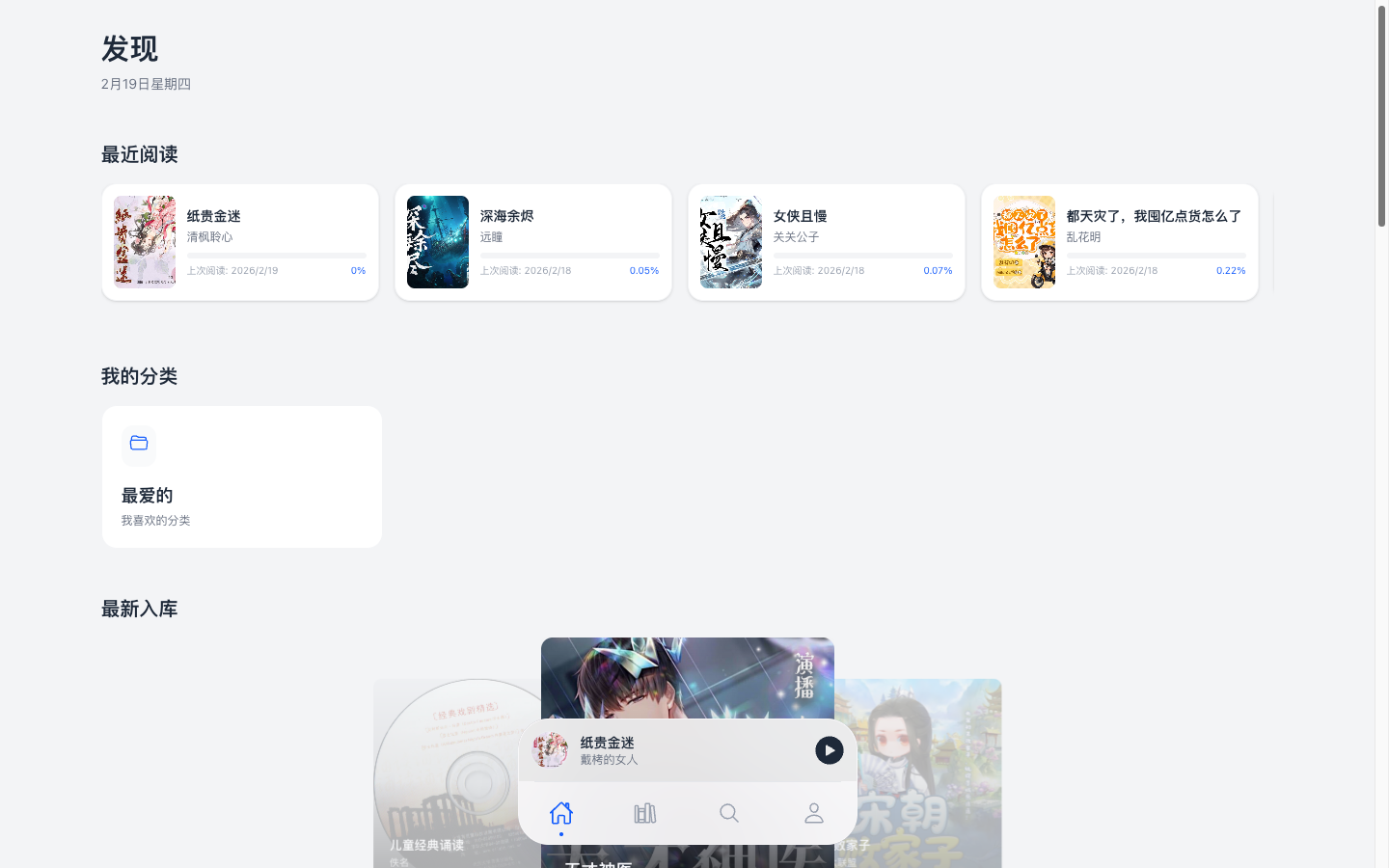
Admin Home
Shows recent playback and library status at a glance.
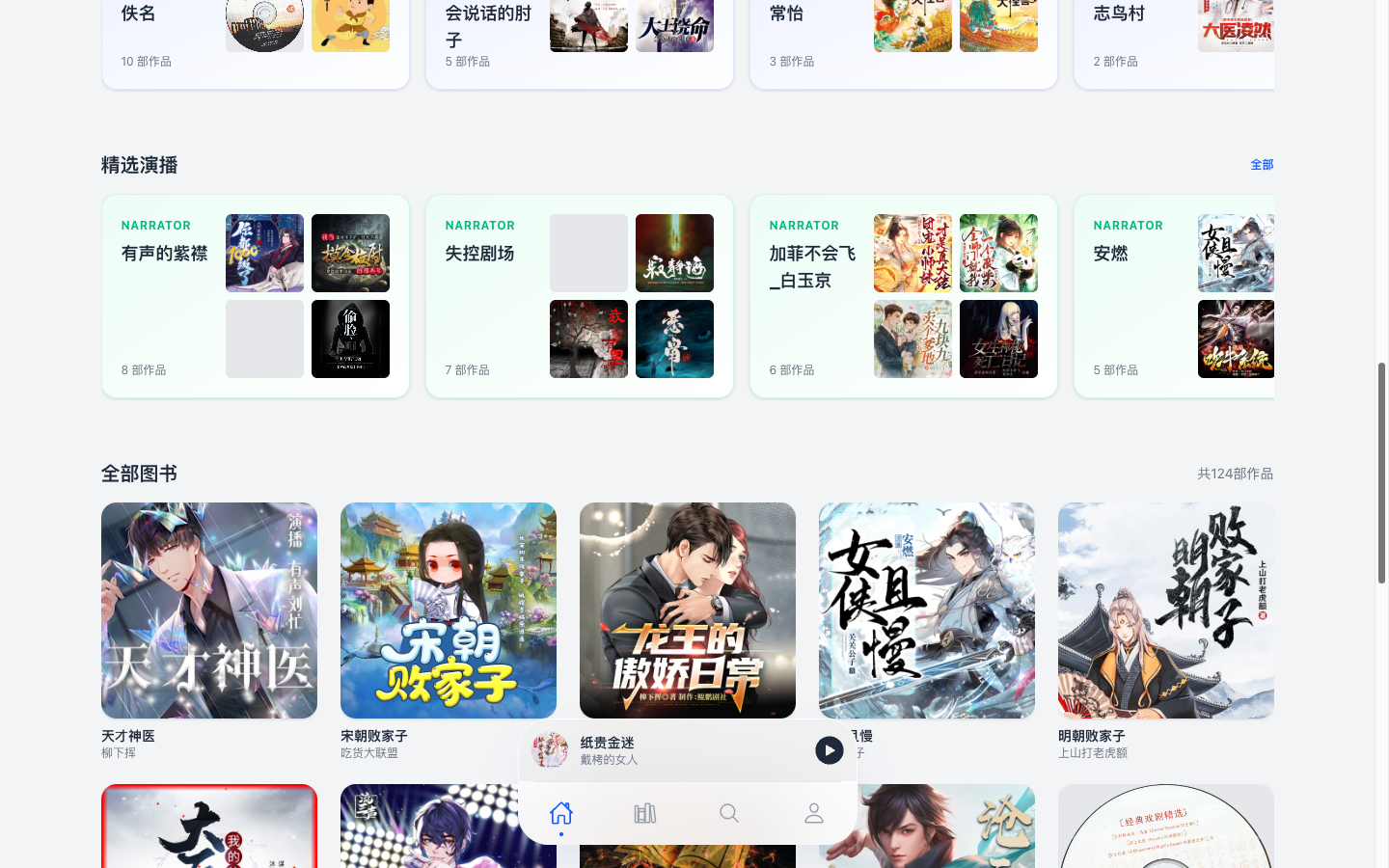
Multi-Dimensional Overview
Provides multidimensional stats and quick actions.
Key Pages
- Home: recent playback, category entry, and quick actions.
- Player: immersive listening with speed, timer, and chapter controls.
- Book Detail: metadata, chapter list, and management entry.
- Library: waterfall layout with category/status filters.
- Search: fast lookup across the full library.
- Admin: books, categories, users, and task monitoring.
Tip: click any screenshot to open large preview.